
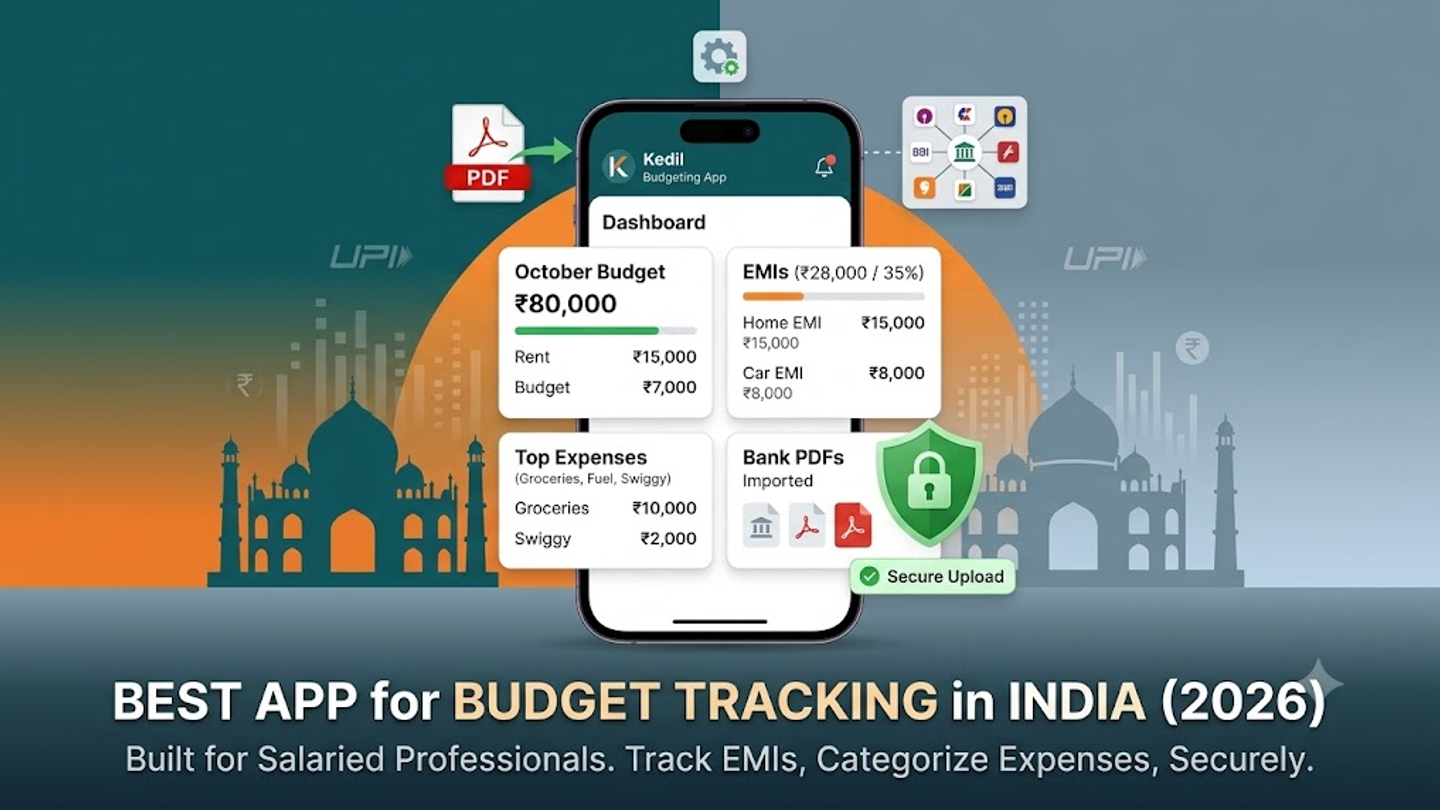
Best App for Budget Tracking in India (2026)
Most salaried Indians know roughly where their money goes — rent, EMIs, groceries, that Swiggy order at 11 PM. But "roughly" doesn't cut it when you're running a home loan, a car loan, and a household budget on one salary. Kedil is a personal budgeting app built for salaried Indians — it imports bank statement PDFs directly, categorises transactions automatically, and tracks all your EMIs in one place. No CSV conversion, no bank login sharing, no manual entry.
That's the short answer. Here's the longer one — what makes a budget tracking app actually work for someone in India, and why most popular options miss the mark.
Why Salaried Indians Need a Dedicated Budget Tracker
India's relationship with personal debt has shifted. According to the RBI's Financial Stability Report (December 2025), household debt reached 41.3% of GDP by March 2025 — above the five-year average of 38.3%. Non-housing retail loans — personal loans, credit cards, auto loans — now make up over 55% of total household borrowings.
What does this mean for you? If your take-home is ₹80,000 and you're paying ₹15,000 on a home loan EMI, ₹8,000 on a car loan, and ₹5,000 on a personal loan — that's ₹28,000 or 35% of your salary going to debt repayment alone. Add rent, groceries, school fees, and insurance premiums, and you're left wondering where the remaining ₹12,000 went. (If you're still deciding between renting and buying, try Kedil's rent vs buy calculator.)
UPI has made this harder to track, not easier. India processed 228.5 billion UPI transactions in 2025, according to Worldline's India Digital Payments Report. That's an average of 60 crore transactions a day. Your spending is spread across PhonePe, Google Pay, bank apps, credit cards, and auto-debits. No single bank statement captures everything — and no one has time to reconcile three accounts manually.
A proper budget tracker consolidates all of this. But "proper" depends on who you are.
What to Look For in a Budget Tracking App (If You're Salaried in India)
Not every budgeting app works for Indian salaried professionals. Here's what actually matters:
Bank statement import that works with Indian banks. Most global apps — YNAB, Goodbudget, Spendee — don't connect to Indian banks. They expect you to enter transactions manually or convert statements to CSV. If you've ever tried converting an SBI or HDFC PDF statement to CSV, you know the formatting breaks every time. You need an app that reads Indian bank statement PDFs directly.
EMI and loan tracking as a first-class feature. The average Indian's personal debt stands at ₹4.8 lakh as of March 2025. If you're managing a home loan with SBI, a car loan with HDFC, and a personal loan with Bajaj Finance — you need to see total monthly EMI obligation, outstanding balances, and remaining tenure in one view. Most expense trackers treat loans as an afterthought. They track what you spend, not what you owe.
Automatic categorisation. Manual entry kills every budgeting habit within two weeks. The app should read your transactions and sort them — groceries, fuel, dining, subscriptions, EMIs — without you tagging each one.
Indian context. Your salary structure has basic pay, HRA, special allowance, PF deduction. Your expenses include LPG, electricity via BBPS, school fees, and NACH auto-debits. The app should understand Indian spending patterns, not just generic "food" and "transport" categories.
How Kedil Works
Kedil does exactly what salaried Indians need — no more, no less.
Upload your bank statement as a PDF. Kedil reads it. Your transactions show up categorised — no CSV conversion, no manual entry. It works with all major Indian banks — SBI, HDFC, ICICI, Axis, Kotak, and more.
Add your loans once — home loan, car loan, personal loan, education loan. Kedil calculates your total monthly EMI obligation, shows outstanding balances across all loans, and tracks remaining tenure. One dashboard instead of three bank apps.
Set a monthly budget based on your actual take-home (not your CTC — Kedil knows the difference matters). See where you're overspending. Adjust next month. That's it.
Kedil doesn't try to be an investment app, a mutual fund tracker, or a tax planner. It does one job — help you track where your salary goes and how much of it is already committed to EMIs — and does it without making you work for it.
How Kedil Compares to Other Budget Apps in India
Every app has its strength. The right one depends on what job you need done.
ET Money is built around investments — mutual funds, SIPs, insurance, tax filing. If you want portfolio tracking with some expense features, it works. But budgeting isn't its primary job. There's no PDF import, and EMI tracking isn't consolidated.
Walnut was the go-to SMS-based expense tracker for Indian users. It was rebranded as axio and now focuses more on lending (personal loans, pay-later) than pure expense tracking. If you liked Walnut's automatic tracking but don't want the lending features — Kedil fills that gap with PDF import instead of SMS reading.
YNAB (You Need a Budget) is excellent for zero-based budgeting. But it's built for the US. No Indian bank connections, no EMI tracking, no ₹ context. The subscription costs ~₹750/month, which is steep for a tool that still needs manual entry for Indian accounts.
Money Manager and Expense Manager are free and simple. But they're manual-entry only. No import. No loan tracking. They work if you have the discipline to log every transaction — most people don't.
Excel or Google Sheets — the DIY option. It works, technically. But you're spending 2-3 hours a month on formula maintenance, manual imports, and fixing broken formatting. If your time has value, a purpose-built app pays for itself.
Kedil sits in the gap none of these fill — automatic expense tracking from Indian bank PDFs, plus consolidated EMI management, built specifically for salaried Indians managing households.
Who Kedil Is For (And Who It's Not For)
Kedil is built for a specific person: a salaried professional in India, probably 28–40, managing a household. You've got a take-home between ₹50,000 and ₹2,00,000. You're carrying at least one loan — maybe two or three. You've got a partner, maybe kids. You want to know where your money goes without spending your Sunday on spreadsheets.
Kedil is not for day traders. It's not for someone who needs portfolio analytics. It's not for students tracking pocket money. It's not an investment app.
If your main question at the end of every month is "where did my salary go?" — that's exactly what Kedil answers.
Frequently Asked Questions
Is Kedil safe to use? Does it access my bank account?
Kedil doesn't connect to your bank account directly. You upload a PDF file — that's a document sitting on your phone. No bank credentials, no login sharing, no third-party access to your account. Your data stays on Kedil's servers, encrypted.
Which banks does Kedil support?
Kedil reads PDF statements from all major Indian banks — SBI, HDFC, ICICI, Axis, Kotak, and others. If your bank issues a PDF statement (most do), Kedil can read it.
Is Kedil free?
Kedil is free during early access. Upload one statement and see how it works before deciding.
Can Kedil replace my Excel budget sheet?
If you're using Excel to track monthly expenses and EMIs, Kedil automates the parts you spend the most time on — importing transactions, categorising them, and calculating EMI totals. You'll still want to set your own budget categories and limits, but the data entry is done.
Does Kedil track UPI transactions?
When you upload your bank statement, it includes all debits and credits — UPI payments, NACH auto-debits, ATM withdrawals, card transactions. Everything that shows up on your bank statement shows up in Kedil.
Try Kedil — free during early access. Upload one bank statement and see where your salary actually goes. Visit kedil.money →